
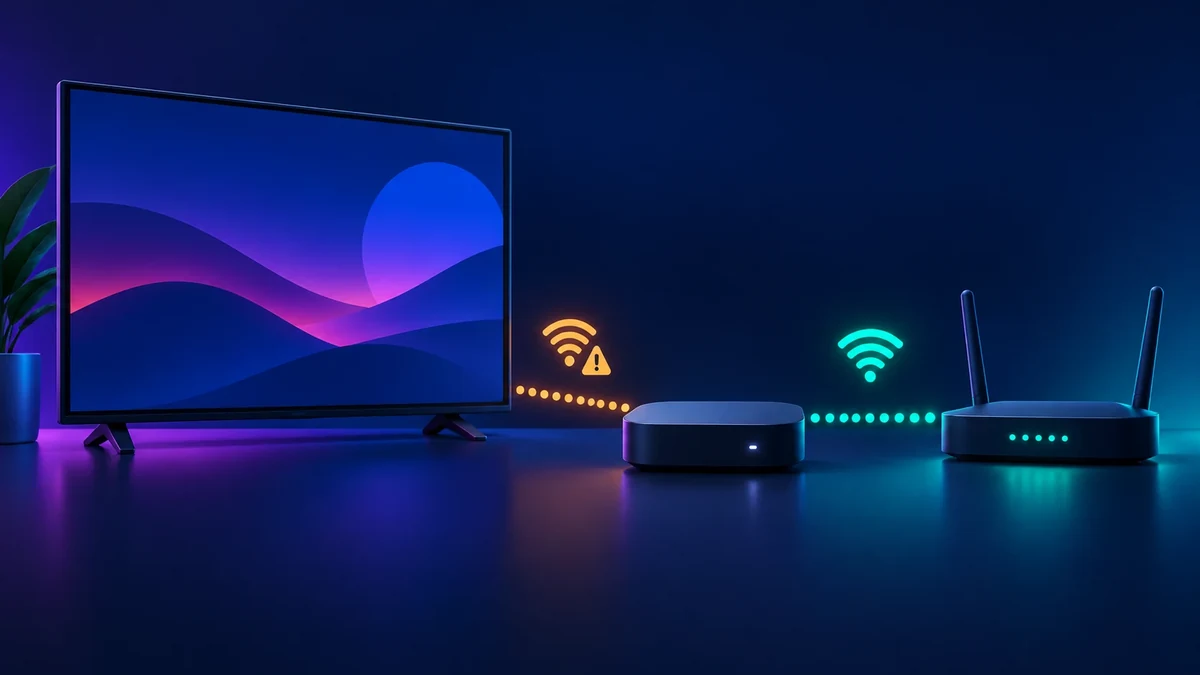
A failed connection does not always mean the streaming device is faulty. A wrong password, the wrong network name, a weak signal or an internet outage can look similar on screen. Work through the checks below in order and stop when the connection returns.
1. Confirm the network name and password
- Select Wireless. During setup, choose the wireless connection option and wait for the available networks.
- Choose your own network. If it is missing, select Scan again to see all networks.
- Enter the password carefully. Roku notes that wireless passwords are case-sensitive. Check uppercase letters, lowercase letters and symbols before retrying.
If a phone or laptop also cannot use the same Wi-Fi network, concentrate on the router or internet connection rather than changing Roku settings.
2. Restart Roku without resetting it
A system restart is the least invasive device step and does not erase your settings. Open Settings > System > Power > System restart. On models without a Power menu, open Settings > System > System restart.
If the menus do not respond, disconnect the device from power, wait about ten seconds, then reconnect it. Give the device time to start before testing the network again.
3. Restart the router or modem
Follow the restart instructions from your router or internet provider. Wait until the normal connection lights return, then run Roku's connection check again. Other devices reconnecting successfully is a useful sign that the home network is available.
4. Check the signal before changing advanced settings
Roku can report a weak wireless signal as a connection problem. Reduce obvious distance or obstacles between the device and router where practical, then scan again. Avoid changing router security or channel settings unless you understand the effect on every device that uses the network.
5. Use a supported alternative only when it fits
Some Roku models support a wired Ethernet connection. A phone hotspot can also be selected as a wireless network, but Roku warns that streaming can use significant mobile data. Check your plan before relying on a hotspot.
Common questions
Why does Roku see the network but not connect?
The network may be selected correctly while the saved password is wrong. Re-enter it with the exact capitalization and symbols used by the router.
Will a system restart delete my apps or settings?
No. Roku describes a system restart as a standard troubleshooting step that does not affect settings. A factory reset is a separate action.
What if every device has lost internet access?
Restart the networking equipment according to its instructions. If the outage continues across devices, contact the internet provider.
Official sources and review note
- Why your Roku streaming device will not connect to Wi-Fi — Roku Support
- Connect your Roku streaming device to the internet — Roku Support
- Check the connection to your home network and the internet — Roku Support
- System restart or reset a Roku streaming device — Roku Support
Last checked September 8, 2026. Menu names and connection options can vary by model and software version. Use the current instructions for your Roku device and networking equipment.