
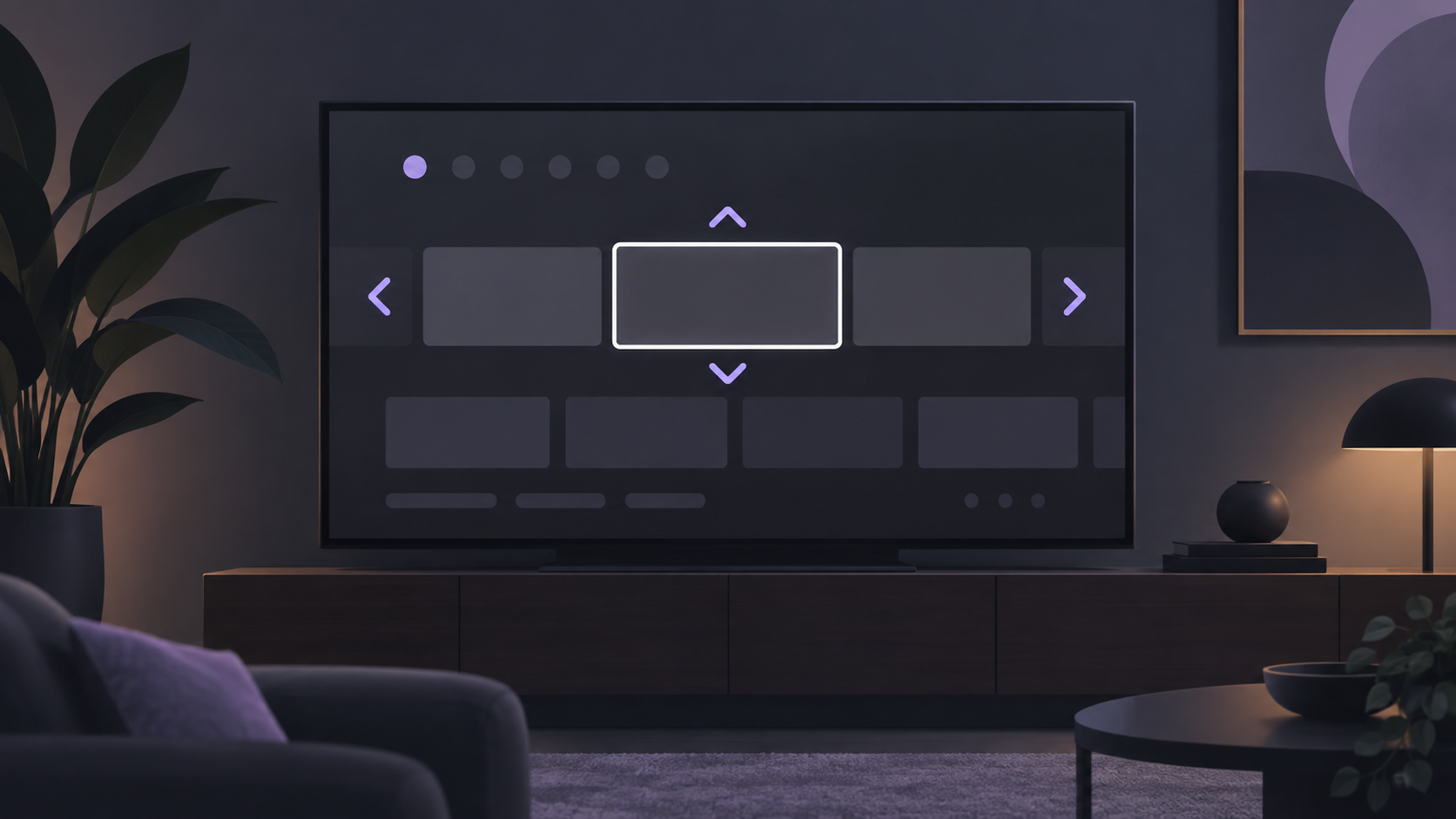
A white box around on-screen text can look unexpected when it first appears. On Fire TV, Amazon identifies this as Text Banner: an accessibility option intended to make interface text easier to follow for people with limited vision. It is a device-menu setting, not a sign that the television panel or connection has failed.
What the white box means
Text Banner creates a high-contrast visual frame around supported text while you move through Fire TV menus. It is designed to make the currently focused text easier to identify. Amazon describes the feature as an accessibility setting for customers with visual impairments or limited vision.
Because the box follows the selected interface element, it can be confused with an app issue. It is normally independent from the video currently playing and from the Wi-Fi connection.
Turn Text Banner off
- From the Fire TV home screen, open Settings.
- Choose Accessibility.
- Select Text Banner.
- Choose Off.
Return to the menu that showed the highlight and move the remote focus once or twice to confirm the change. Menu wording and available options can differ slightly by device model and software version.
If you want to keep the feature
Text Banner is optional. If it makes menus clearer, keep it enabled and look through the options on that screen. Available controls can include the banner's size, timing, color or the way text is displayed, depending on the Fire TV experience on your device.
Use one adjustment at a time, then move through a familiar menu to see whether the focus area remains comfortable to read.
If the white box returns
- Reopen Settings > Accessibility > Text Banner and verify that the setting is off.
- Check whether the box appears only in the device interface or only in one application. Interface behavior and app controls are not always the same.
- Review the current Amazon Help page for your Fire TV experience if the menu path differs from the one above.
A factory reset is not normally needed just to change this accessibility preference. Start with the setting itself before attempting broader troubleshooting.
Common questions
Is the white box a hardware problem?
Usually, no. When it appears around menu text and follows the selection, Amazon identifies it as the Text Banner accessibility feature.
Will turning it off remove subtitles?
No. Captions and Text Banner are separate settings. Turning Text Banner off changes the menu highlight only.
Why is the setting path different on my device?
Fire TV menus can vary by device generation and software version. Use the current official Amazon Help page for the exact options shown on your device.
Official sources and review note
- White Box on the Fire TV Screen — Official Amazon Fire TV Help
- Accessibility Features for Fire TV — Official Amazon Fire TV Help
Last checked September 11, 2026. Feature availability, labels and menu locations can change with device software. Use the current Amazon guidance that matches your device when a screen differs from this guide.