
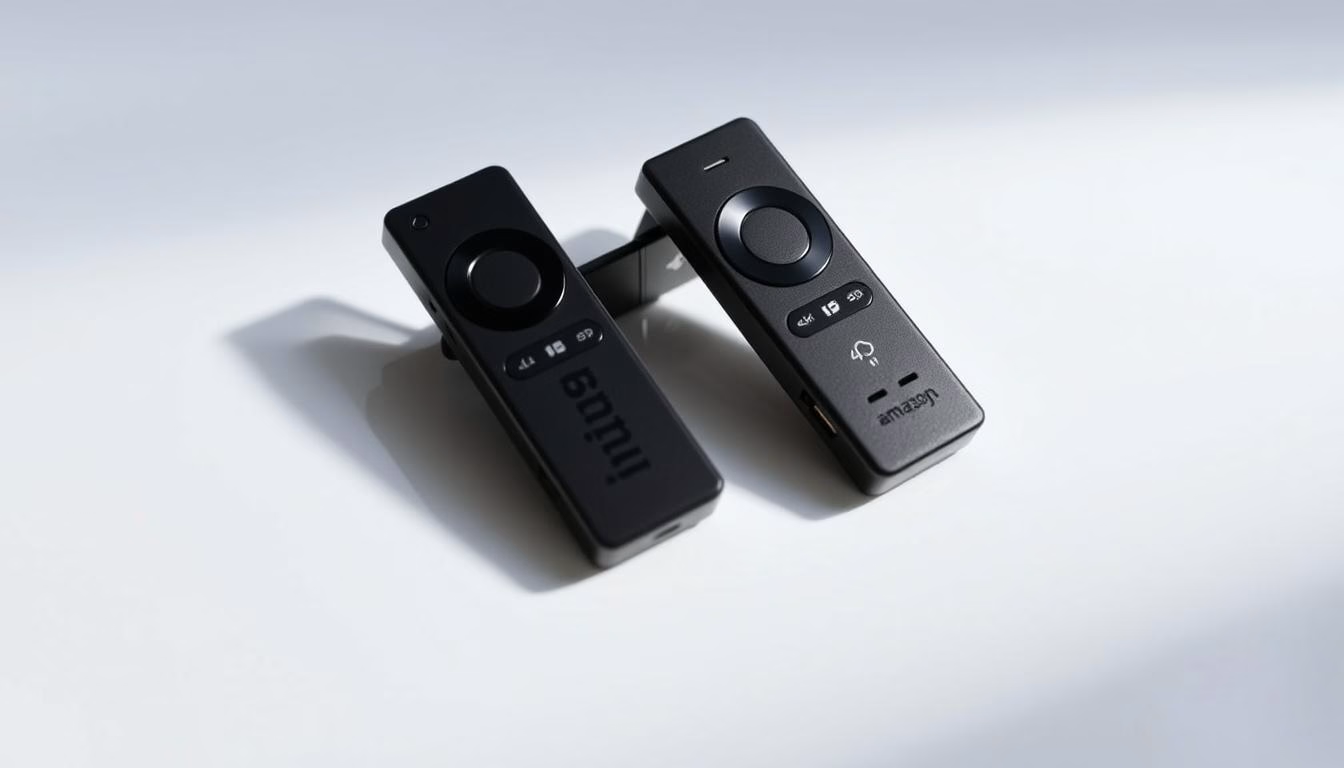
A model name is not enough to identify hardware. Amazon refreshes Fire TV products while retaining familiar names, and availability varies by market. A sound decision starts with the current listing and the television you already own, not a specification copied from an earlier generation.
Identify the exact generation before comparing
Open the current Amazon product page for your region and note the model generation, included remote, supported picture formats, Wi-Fi specification and storage. Compare both listings captured on the same day. Do not mix a discounted older 4K model with a current 4K Max and assume the difference applies to every generation.
If buying from a third-party marketplace, ask for the full model identifier and condition. A product image or the words '4K Max' alone do not confirm the hardware inside the box. Review the return policy before purchasing an opened or used device.
Match the device to the television and home network
Confirm that the television has a suitable HDMI input and supports the picture formats you intend to use. A streaming device cannot add display capability that the television lacks. If a receiver or soundbar is in the HDMI path, include its supported formats in the check.
Network performance depends on the router, distance and interference as well as the Fire TV model. A newer Wi-Fi capability helps only when the router and environment can use it. For a difficult television location, improving router placement or using a supported wired adapter may matter more than choosing a higher model solely for its wireless label.
Compare everyday constraints, not only headline speed
Storage affects how many apps and updates can remain installed. Check the current listing rather than relying on an older article. Also compare remote controls: television power, volume, voice controls and programmable buttons can differ by bundle and region.
Consider the apps and accessibility features you actually use. Amazon documents VoiceView, captions, Audio Descriptions, Screen Magnifier, Adaptive Display and Text Banner across supported devices, but exact availability can vary. Verify a required feature for the specific model and country before purchase.
- Confirm both products are the current regional generation.
- Check the television, receiver and HDMI path.
- Compare current Wi-Fi and storage specifications.
- Review the included remote and required accessibility features.
- Compare the final price and return terms, not only the list price.
Use a simple decision rule
Choose the regular 4K model when its current specifications meet your television, network and app needs and the price difference matters. Consider the current 4K Max when its documented additions solve a real requirement, such as a supported network feature, more storage or a different performance tier.
Neither model improves an unstable internet service by itself. After purchase, use a suitable power supply, install updates and test the device on the intended network before the return period ends.
Official sources
Device menus and feature availability can change by model, software version, language and region. Use the manufacturer or publisher pages below to confirm the current path for your device.
Questions readers often ask
Is every 4K Max faster than every 4K model?
Do not generalize across generations. Compare the two current regional listings and their exact model details.
Will 4K Max make a non-4K television display 4K?
No. Output is limited by the television and the rest of the HDMI path.
Does a newer Wi-Fi label guarantee better streaming?
No. Router capability, distance, interference and internet service also determine connection quality.