
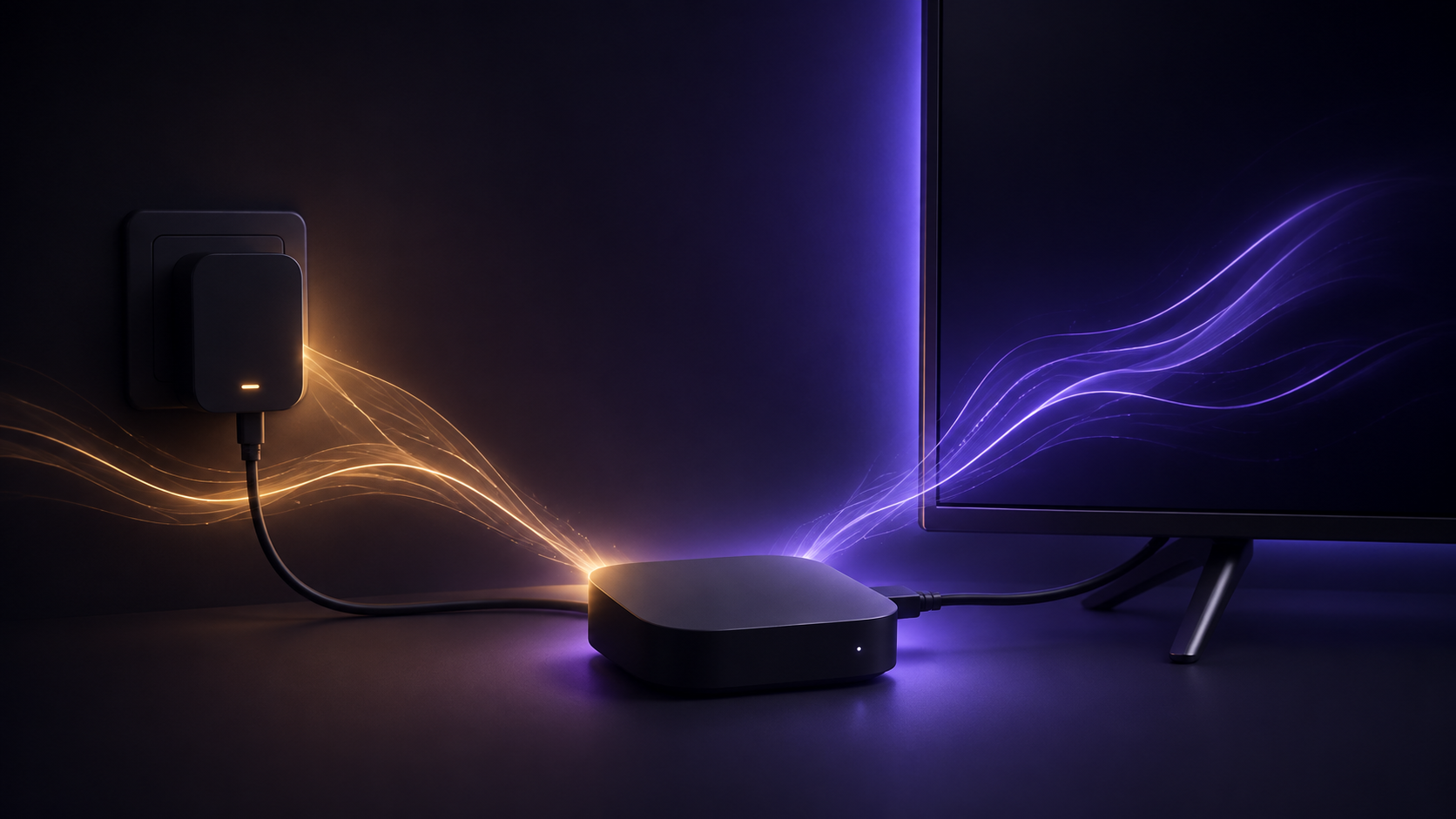
A low-power notification is a useful signal to check how the device is powered. Rather than resetting settings or changing unrelated connections, work through the power source and cable first.
Use a compatible wall-power setup
- Connect the device to its compatible power adapter.Use the adapter and USB cable intended for the device, or a compatible equivalent that meets the manufacturer’s requirements.
- Plug the adapter into a working wall outlet.Amazon’s Fire TV setup guidance directs users to a wall outlet for power rather than relying on the television’s USB port.
- Check that both ends are seated securely.Make sure the USB cable is fully connected to both the device and the adapter before testing again.
Check the cable and outlet before replacing anything
Look for a loose connection, visible cable damage, or an outlet that is not supplying power. If you have another compatible outlet available, testing it can help isolate the issue without changing device settings.
If you use an extension lead or power strip, test the adapter in a known-working wall outlet temporarily. This keeps the check focused on the power path, not on the television display or network.
If wall power is not available
Amazon notes that a USB 3.0 port may be an option on compatible televisions when a wall outlet cannot be used. Availability and output differ by TV, so use the official guidance for the device and television you have. A wall-power setup remains the clearer first check for a recurring low-power notice.
Restart only after the power path is stable
Once the notification no longer appears and the device remains powered, a normal restart can be useful if it still behaves unexpectedly. A restart is less disruptive than a factory reset and does not replace the need to resolve the power source first.
Common questions
Does dismissing the notice fix the problem?
No. Amazon says that dismissing the notification does not resolve the underlying insufficient-power condition, so it may appear again.
Can I power the device from my television’s USB port?
Amazon’s setup guidance recommends a compatible power adapter connected to a wall outlet. Some compatible TVs may offer a USB 3.0 option when wall power is unavailable, but output can vary by television.
Should I buy a new device immediately?
Not necessarily. First verify the adapter, cable and wall outlet recommended for the device. If the alert continues with a compatible power setup, follow Amazon’s current support guidance for the exact model.
Sources and review note
- Troubleshoot Fire TV Low Power Notification — Amazon Fire TV Support
- Set Up Your Fire TV Device — Amazon Fire TV Support
Last checked September 6, 2026. Device ports, adapters and setup screens can vary by model. Follow the current manufacturer guidance for your specific device and use devices and services only in accordance with applicable terms and copyright laws.