
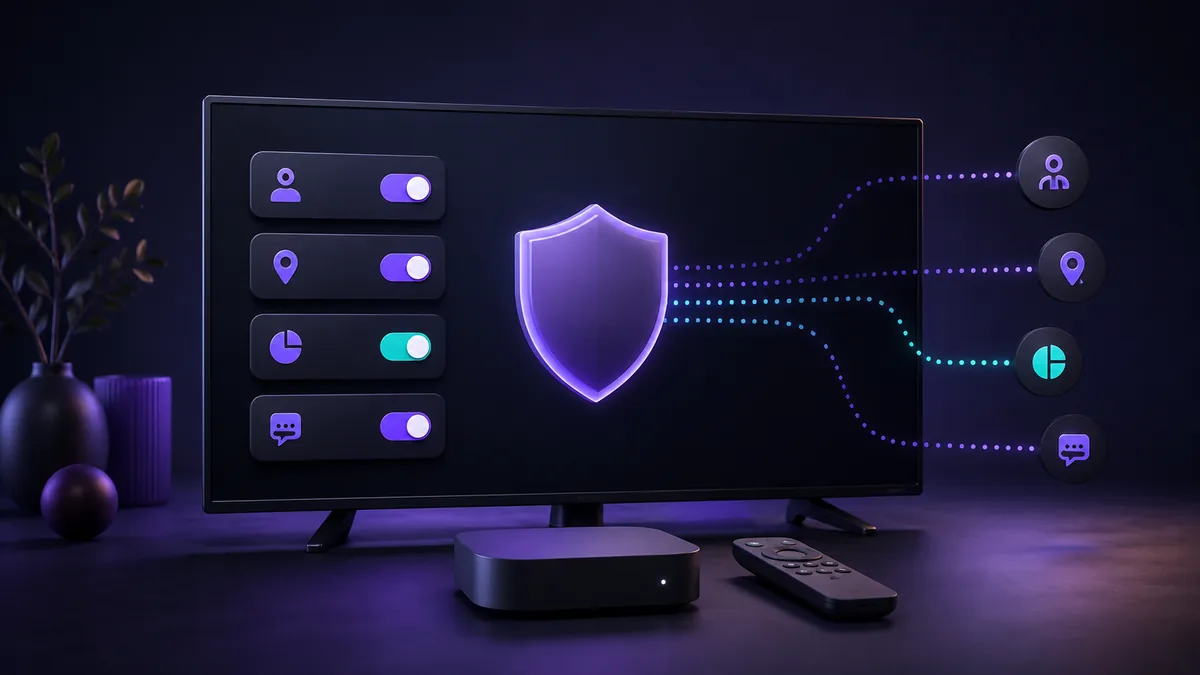
Privacy controls are easier to use when you know the purpose and limits of each switch. Fire TV places the main device-level options together, but settings for Amazon services and third-party apps can remain separate.
Open the privacy controls
- Open Settings. Start from the Fire TV Home screen and select the Settings tile.
- Select Preferences. Menu organization can differ across devices, so follow the labels shown on your screen.
- Select Privacy Settings. Review the available controls one at a time before changing them.
Device Usage Data
This control covers personal data about use of the Fire TV product that is collected by the device operating system. Amazon states that turning it off opts you out of using that device-usage data for customized marketing offers and product-improvement purposes.
Its scope is limited. The change does not prevent data processing required to provide device features, does not guarantee that marketing offers disappear, and does not control every other category of data or every Amazon service used on the device.
Collect App Usage Data
Amazon describes this setting as the control for its collection of information about when third-party apps are opened or closed and how long they are used. Turn it off if you do not want Amazon to collect that category of app-usage data through this device setting.
The setting does not replace the privacy controls or privacy notice inside an individual third-party app. Review those separately when you want to understand what a particular app collects.
Interest-based Ads
Certain Amazon devices provide a resettable advertising identifier to apps for advertising and analytics. The Interest-based Ads control lets you instruct apps that use that identifier not to use it to build an advertising profile or target interest-based ads on the device.
Turning the setting off is not the same as removing every advertisement. It changes the permitted use of the advertising identifier for interest-based advertising.
Over-the-air Viewing Data on supported smart TVs
Some smart TVs with Fire TV include a control for information about over-the-air television received through an antenna connected directly to the TV. This option applies only to relevant television models and antenna use, so it may not appear on a separate streaming device.
Common questions
Does turning off Device Usage Data stop all collection?
No. Amazon says some data continues to be collected and processed to provide device features, and other data categories and service-level settings are outside this control.
Does the app-usage setting control each app's own data practices?
No. It controls the category of third-party app-usage data described by Amazon. Each app can have its own settings and privacy notice.
Will the same choice apply to another Fire TV device?
No. Review the settings on each device individually.
Sources and review note
- Privacy Settings FAQs for Fire TV Products — Amazon Device Support
- Navigate the Fire TV Home Screen — Amazon Fire TV Support
Last checked September 7, 2026. Settings and availability can vary by device. This guide summarizes device controls and is not legal advice; use the current privacy information for each device, app and service.