
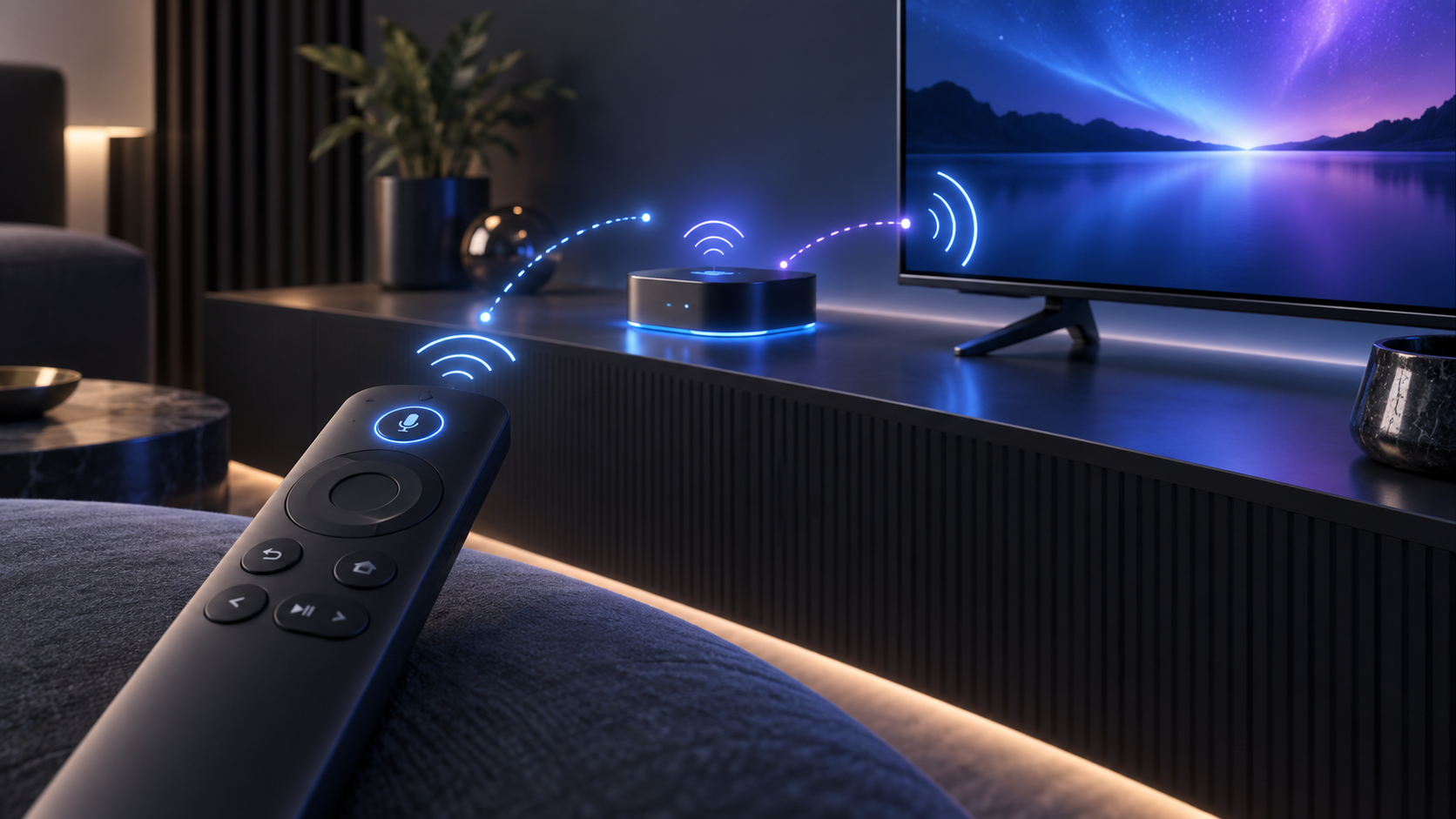
A simple Roku remote and a voice remote do not use the same connection method. This guide is for Roku voice remotes. Before trying a button sequence, check whether the remote has a microphone button and whether it has a physical pairing button below the battery cover or on the back.
First, identify the type of remote
Roku distinguishes voice remotes from simple remotes. A voice remote has a voice button and must be paired with the Roku player. A simple remote controls a Roku device through infrared and normally does not use this pairing process.
If the remote cannot control the device at all, make sure it has fresh batteries and is the remote supplied for, or compatible with, that Roku model before continuing.
Pair from Settings when another remote works
If you can already navigate the Roku device with another working remote, this is the easiest route:
- Press Home.
- Open Settings.
- Select Remotes & devices.
- Choose Add devices.
- Select Remote, then choose Continue.
Follow the on-screen instructions. Keep the remote close to the Roku player while it connects.
Start pairing after a player restart
If no other remote is available, Roku’s guidance starts with a brief player restart. Disconnect the Roku player’s power connection, wait at least five seconds, reconnect it, then wait until the Home screen is visible before putting the remote into pairing mode.
What to expect while it pairs
The pairing process can take a short time. Keep the remote near the player and leave the player powered on. Roku says a direct line of sight is not required for a paired voice remote, but nearby wireless interference or depleted batteries can still make a connection unreliable.
If the status light never flashes, recheck the batteries and try the sequence one more time after the player reaches the Home screen. If it flashes but the remote does not connect, use Roku’s official support guidance for your exact remote model rather than resetting the device unnecessarily.
A quick checklist
- Confirm that the remote is a Roku voice remote.
- Use Settings if a second working remote is available.
- Otherwise restart the player, wait at least five seconds, and wait for Home.
- Hold the pairing button for five seconds, or hold Back and Home for five seconds if there is no pairing button.
- Wait for the status light to flash and allow the connection to finish.
Official source
For current remote illustrations, compatibility notes and the documented pairing sequences, see:
Frequently asked questions
How do I pair a Roku voice remote with a pairing button?
After the player is ready, hold the remote’s pairing button for about five seconds until the status light flashes.
What if my Roku voice remote has no pairing button?
On the supported remote design, hold Back and Home together for about five seconds until the status light flashes.
Does a Roku voice remote need line of sight?
No. Roku says a paired voice remote does not need a direct line of sight to the player.